
This is probably the most common question I get from small business owners who are setting up or rethinking their spreadsheet workflow. And I am going to give you a straight answer rather than the usual “it depends on your needs” non-answer that most comparison articles hide behind.
Both tools are useful. They are not useful for the same things. And picking the wrong one for your situation creates real problems that only get worse as your business grows.
Here is an honest breakdown from someone who has spent over 25 years working with both.
The Fundamental Difference
Google Sheets is a cloud-based collaboration tool that happens to have spreadsheet functionality. Microsoft Excel is a data processing and analysis powerhouse that happens to have cloud features.
That distinction matters more than any feature comparison table. The tool you choose should match what you are primarily using it for.
If your main need is getting multiple people to edit the same file at the same time without sending versions back and forth, Google Sheets was built for that and it does it better than Excel.
If your main need is handling large datasets, building financial models, automating reports, or doing any serious analysis, Excel is not just better. It is in a different category.
Where Google Sheets Wins
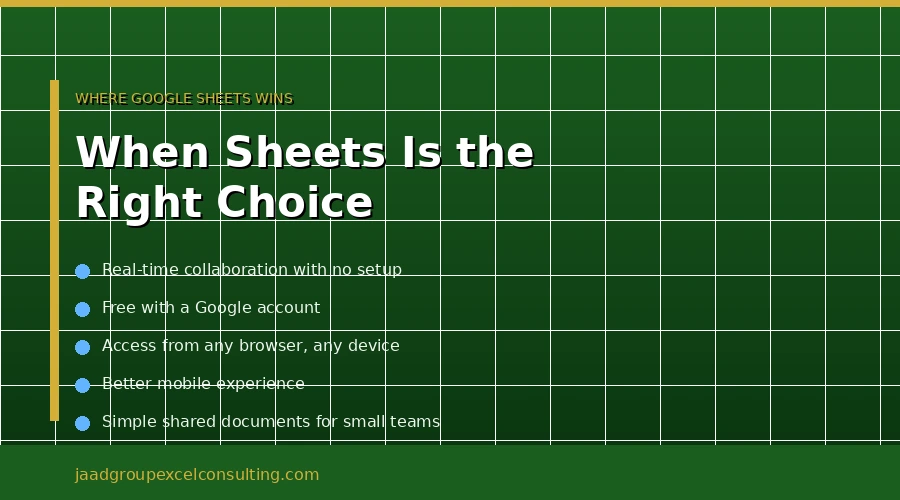
Real-time collaboration is genuinely better. Multiple people editing simultaneously with live updates is smoother in Google Sheets than in Excel. If your team is constantly working together in the same file at the same time, Sheets handles this more cleanly. Excel has improved with Microsoft 365 co-authoring, but certain advanced features like macros can disable collaboration, which creates friction.
It is free. For individuals and small teams doing basic work, the price difference is significant. Google Sheets is free with a Google account. Excel requires a Microsoft 365 subscription starting at $99.99 per year for personal plans. If your spreadsheet needs are simple and your budget is tight, free wins.
It is accessible anywhere without setup. Browser-based means no installation, no version conflicts, and access from any device. For teams spread across locations or people who switch between devices frequently, this matters.
Mobile experience is better. Google Sheets has an excellent mobile app with full functionality, making it easy to work on spreadsheets from your phone or tablet. Excel’s mobile app is more limited, which makes Sheets the better choice if mobile access is a priority.
Where Excel Wins
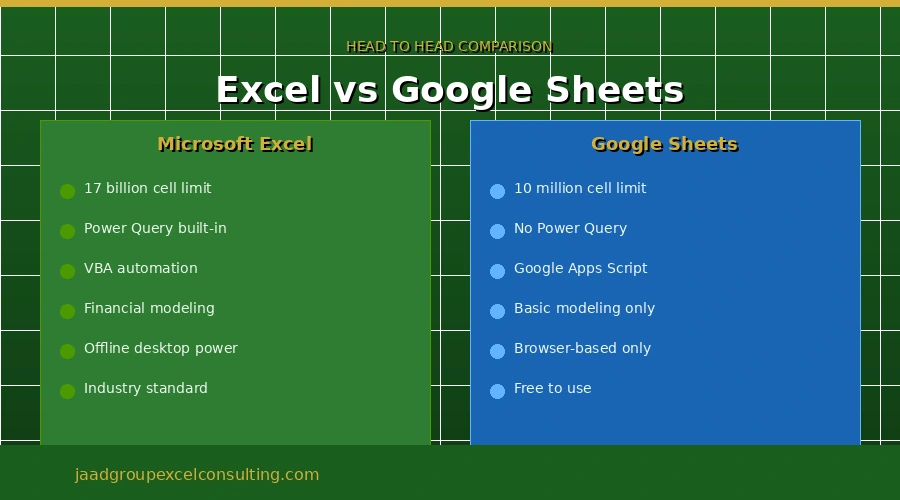
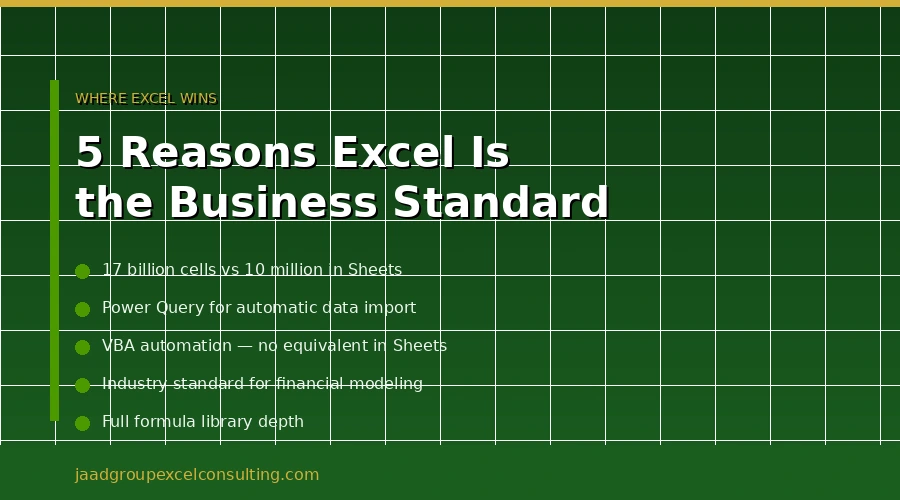
Data capacity and processing power is not even close. Google Sheets caps at 10 million cells. Excel handles up to 17 billion on the desktop and processes heavy datasets considerably faster. For any business handling large volumes of data, this is not a minor difference.
Power Query and Power Pivot are Excel-only. These are the tools that allow you to connect to external data sources, clean messy data automatically, and build sophisticated data models. Google Sheets has no equivalent. If you want to automate the process of pulling data from multiple sources, transforming it, and producing a clean report, you need Excel.
VBA automation is Excel-only. Google Sheets has Google Apps Script, which is JavaScript-based and useful for basic automation. But VBA, which is built directly into Excel, is more powerful, more widely supported, and has a far larger library of existing solutions. For serious business automation, Excel’s VBA capability is a significant advantage.
Financial modeling lives in Excel. Excel’s advanced features, extensive formula library, and data analysis tools make it the industry standard for financial modeling and complex analytics. Google Sheets, while improving, still cannot match Excel’s capabilities in this area. If you are building 3-statement financial models, scenario analysis tools, or anything a CFO or investor is going to review, it needs to be in Excel.
Formula library is larger and more advanced. Excel has functions that Google Sheets simply does not have. For advanced users working with complex logic, this matters. The gap has closed over the years, but Excel still leads.
Charts and visualizations are more customizable. Excel offers a vast and highly customizable charting library. You have fine-grained control over almost every element of a chart, from axis labels to data point colors. This makes it the preferred tool for creating polished, presentation-ready visuals for reports and board meetings.
The Honest Answer for Business Use
For most businesses doing anything beyond basic list-keeping and simple calculations, Excel is the right choice.
Here is how I think about it. If you are a freelancer, a student, or a very small team that needs to collaborate on simple shared spreadsheets without paying for software, Google Sheets is perfectly adequate and the free price point makes it the obvious call.
If you are a business that depends on spreadsheets for reporting, financial modeling, data analysis, or any workflow where accuracy and automation matter, Excel is not a preference. It is the standard your work needs to be built on.
The reason is straightforward. When it comes to heavyweight data crunching, Excel remains the undisputed champion. Features like Power Query for data transformation and Power Pivot for building complex data models are game-changers for serious analysts. Google Sheets has no equivalent of these tools.
I have never once had a client come to me with a serious business automation or modeling problem that could be solved as well in Google Sheets as in Excel. The cases where Sheets is the better business choice are cases where collaboration simplicity outweighs analytical power. Those cases exist. They are not the majority.
Can You Use Both
Yes, and many teams do. A practical setup for some businesses is to use Google Sheets for internal team collaboration on simple shared documents, and Excel for any serious data work, reporting, or financial modeling. The two tools can coexist without conflict.
Where this breaks down is when people try to use Google Sheets for work that actually needs Excel’s capabilities. Reports that need VBA automation. Financial models that need Power Query. Analysis that needs the full formula library. Trying to do that work in Sheets means doing it manually, doing it less accurately, or doing it much more slowly.
When to Get Help With Your Excel Setup
Choosing the right tool is the first decision. Getting the most out of it is the second.
Most businesses that use Excel are using a fraction of what it can do. Reports that should run automatically still get rebuilt manually every month. Data that should consolidate itself still gets copied and pasted. Models that should update with one click still require hours of manual work each cycle.
If your business depends on Excel and your current setup is not working as efficiently as it should, that is a solvable problem. Whether it is automating your monthly reporting with Power Query, building a financial model that your whole team can use confidently, or cleaning up a system that one person built and nobody else understands, the right expertise changes how your business runs.
At JAAD Group, Jeff Mattus has spent over 25 years solving exactly these kinds of Excel problems for businesses across finance, real estate, healthcare, and operations. Every engagement is handled personally, built around your specific situation, and documented so your team can maintain it after the work is done.
If you want a straight answer on what your Excel setup actually needs, a free consultation is the right starting point.
Call JAAD Group: 949-464-7489 Visit: jaadgroupexcelconsulting.com