
Every business uses Excel. Most trust it completely. And that trust, in the wrong hands, has cost companies billions.
These are not hypothetical risks. These are real losses, real headlines, and real companies that had smart people making decisions based on broken spreadsheets. If it happened to JPMorgan Chase, it can happen to you.
The $6.2 Billion Copy-Paste: JPMorgan Chase (2012)
In 2012, JPMorgan Chase suffered one of the largest trading losses in banking history $6.2 billion not because of a market crash, not because of fraud, but because of a copy-paste error in an Excel spreadsheet.
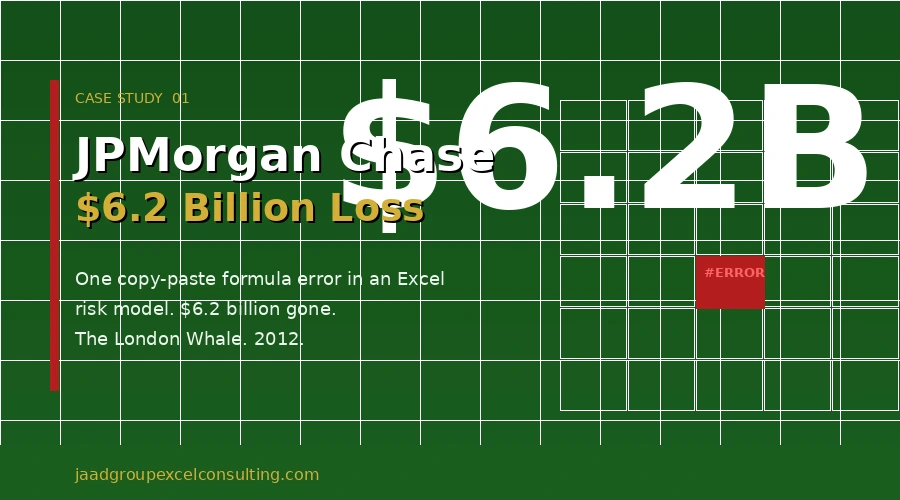
A trader in London named Bruno Iksil, nicknamed “The London Whale” due to the enormous size of his trades, was managing a synthetic credit portfolio. His team used an Excel risk model to calculate the bank’s exposure to complex financial instruments.
The error was simple: a formula was set to divide by the sum of two hazard rates instead of their average. This single mistake dramatically understated the portfolio’s risk. The team believed they were safe. They were not.
By the time the error was discovered, $6.2 billion was gone. JPMorgan’s stock fell. Regulators came calling. The bank paid hundreds of millions in fines.
The lesson: A single broken formula in a high-stakes Excel financial model can have consequences far beyond the spreadsheet.
The $24 Million Spreadsheet Slip: TransAlta (2003)
Canadian power company TransAlta made a bidding error in a U.S. electricity market auction. The cause? A copy-paste mistake in an Excel spreadsheet that misaligned rows of data.
The result: they purchased power contracts at the wrong prices, locking in losses before anyone noticed the error. The final damage $24 million.
TransAlta’s CEO publicly admitted the cause was “a human error in a spreadsheet.” The fix would have taken seconds. The loss took years to recover from.
The lesson: In high-volume operations, manual Excel data entry without validation checks is a liability.
The $11 Million Severance Error: Eastman Kodak (2005)
When Kodak was restructuring, they calculated severance packages for departing employees using an Excel spreadsheet. A formula error caused the model to overpay hundreds of employees.
By the time the overpayments were identified, Kodak had lost $11 million and faced the uncomfortable task of recovering money already paid to people who had just been let go.
The lesson: Excel payroll and HR models must be audited before they touch real money. Errors here are not just financial they are personal.
The $4.32 Billion Sign Error: Fidelity Investments (1994)
A Fidelity fund accountant forgot to enter a minus sign in an Excel spreadsheet while calculating net capital gains. The result: a $4.32 billion error that caused the fund to mistakenly announce a distribution to investors.
It was caught before the full distribution was made, but not before the reputational damage was done. Fidelity’s Magellan Fund one of the largest in the world at the time made international headlines for the wrong reason.
The lesson: No formula check. No second reviewer. One missing character. $4.32 billion on the line. Excel spreadsheet auditing is not optional in finance.
Why Does This Keep Happening?
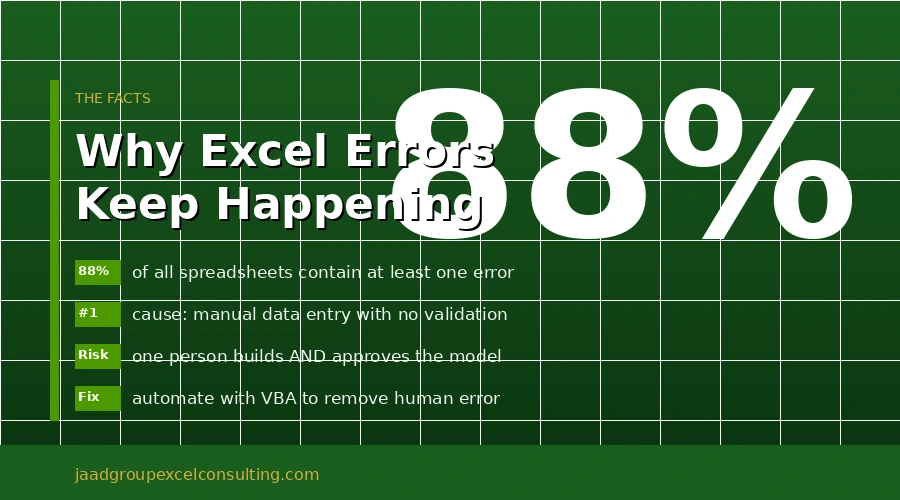
These four companies are not outliers. A University of Hawaii study found that 88% of all spreadsheets contain at least one error. The pattern across every case is the same:
- Manual data entry with no automated validation
- Complex formulas reviewed by the person who built them not an independent auditor
- No version control no way to track who changed what, and when
- Overconfidence the spreadsheet looks right, so it must be right
Excel is not the problem. The problem is using Excel without the right structure, safeguards, and automation in place.
What Proper Excel Practice Actually Looks Like
After more than 25 years of working with businesses across finance, real estate, healthcare, and operations, I have seen the same vulnerabilities show up in company after company. Here is what separates safe, reliable Excel consulting from a ticking time bomb:
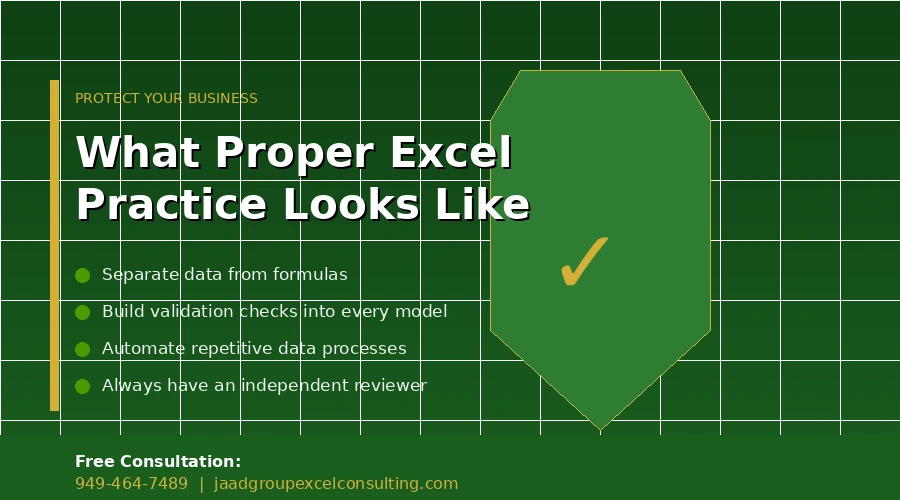
- Separate your data from your formulas Never enter raw data in the same cells where calculations run. Input sheets and calculation sheets should be distinct. This alone eliminates the majority of copy-paste errors.
- Build validation checks into every model Every Excel financial model should include cells that flag when outputs fall outside expected ranges. If your revenue suddenly drops to zero or doubles overnight, the model should tell you before you act on the number.
- Use named ranges, not cell references A formula that reads =Revenue – COGS is auditable. A formula that reads =B47 – D12 is a trap waiting to spring. Excel VBA consulting work almost always begins with cleaning up reference structures that no one can read.
- Never let one person build and approve their own model JPMorgan’s team built, reviewed, and trusted their own spreadsheet. A second set of eyes ideally someone who did not build the model would have caught the formula error immediately.
- Automate repetitive data processes If someone is copying and pasting data from one sheet to another on a regular basis, that process should be automated. Excel automation removes human hands from error-prone, repetitive tasks. No hands, no copy-paste errors.
Your Spreadsheets Are Working Until They Are Not
JPMorgan had a risk team. TransAlta had financial analysts. Kodak had HR professionals. Fidelity had accountants. None of that protected them from a spreadsheet error.
The question is not whether you are careful. The question is whether your Excel models are built in a way that makes errors visible before they become losses.
At JAAD Group, Jeff Mattus works directly with businesses to audit existing spreadsheets, eliminate manual processes, and build Excel automation solutions that reduce the risk of human error. With over 25 years of hands-on Excel consulting experience across industries, Jeff has seen and fixed the kinds of vulnerabilities that make the cases above possible.
If your business depends on spreadsheets for reporting, forecasting, payroll, or operations, a free consultation is the lowest-cost insurance you can get.
Call JAAD Group today: 949-464-7489 Or visit: jaadgroupexcelconsulting.com