
Every business owner I talk to right now is asking some version of this question. AI tools are everywhere, the marketing around them is loud, and it genuinely feels like the answer to every spreadsheet problem should be sitting inside a chatbot. So why would you pay a consultant when you can just ask Copilot?
I want to give you a straight answer. Not a defense of my own work and not a dismissal of AI. Both of those would be dishonest. What I am going to do is tell you exactly what AI can and cannot do inside Excel right now, and help you figure out which path actually makes sense for your situation.
What AI Can Actually Do in Excel
Let us start with what works, because there is genuine value here.
Microsoft Copilot is now built directly into Excel for Microsoft 365 subscribers. You can ask it questions in plain English, get formula suggestions, summarize data, create basic charts, and clean up inconsistent entries. For someone who finds Excel intimidating, this is genuinely useful. It lowers the barrier between a question and an answer.
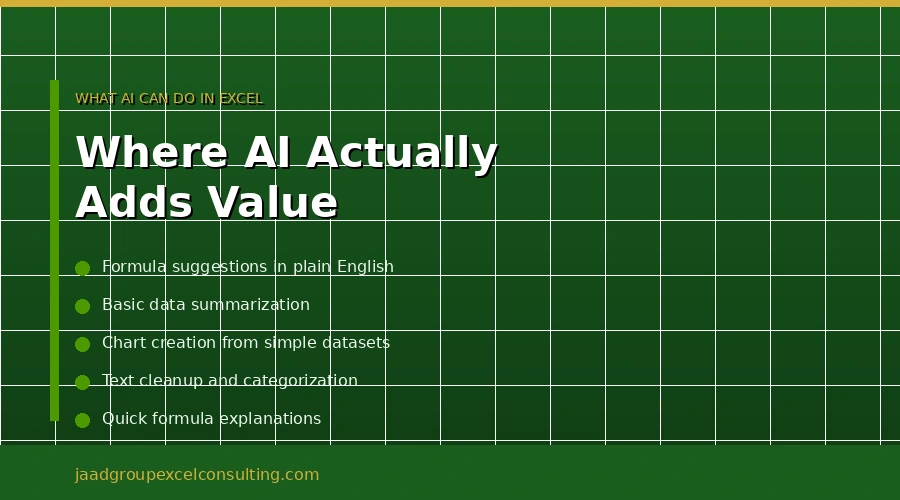
ChatGPT and other AI tools can help you write formulas, explain what a function does, debug a basic error, and suggest approaches to simple data problems. If you are stuck on how to write a SUMIFS formula or you need a quick explanation of how VLOOKUP works, AI handles this well.
For straightforward tasks, AI delivers real time savings. Summarizing text in cells, generating sample data, categorizing feedback, formatting cleanup. These are tasks where AI earns its place.
Where AI Falls Short
Here is where I need to be direct with you, because the limitations of AI in Excel are significant and they matter for real business decisions.
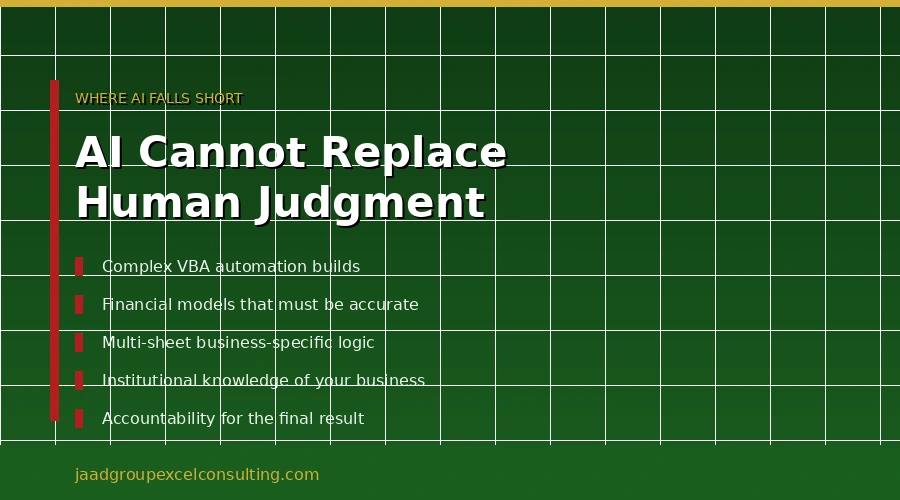
Microsoft itself warns against using the Copilot function for numerical calculations that require accuracy or reproducibility. Those are their words, not mine. They specifically advise against using it for financial reporting, legal documents, or any high-stakes scenario. When the company that built the tool tells you not to trust it with your financial numbers, that is worth paying attention to.
AI cannot effectively process data in standard cell ranges or complex spreadsheet structures. It works best with simple, well-organized datasets that follow conventional table formats. If your business has real-world data with multiple interconnected sheets, complex formula relationships, or non-standard layouts, Copilot struggles.
While Copilot can generate basic VBA code, the generated code often requires significant manual editing and lacks the precision needed for complex automation tasks.
Think about what that actually means for your business. If you need a VBA macro that pulls data from six different sources, applies your specific business logic, formats the output exactly the way your team needs it, and runs reliably every time without breaking, AI is not going to get you there. It will get you part of the way there, and then you will spend more time fixing what it got wrong than it would have taken to build it properly from the start.
AI also has no institutional knowledge of your business. It does not know why your reporting is structured the way it is, what the quirks in your data mean, or how your specific workflow connects to other parts of the business. Every time you start a new conversation with an AI tool, you are starting from zero.
What an Excel Consultant Actually Brings
When you work with an experienced Excel consultant, you are not paying for someone to look things up. You are paying for someone who has already built the exact thing you need, probably in multiple industries, and knows exactly where the problems are going to show up before they do.
After 25 years of building Excel financial models, VBA automation systems, and custom reporting solutions for businesses across finance, real estate, healthcare, and operations, I have a very clear picture of what actually goes wrong and why. AI does not have that. It has pattern recognition across a lot of text. That is different from judgment built on experience.
A consultant also takes ownership of the outcome. When I build something for a client, it works. If something breaks, I fix it. AI generates output and moves on. The accountability is entirely yours.
There is also the question of documentation and handover. A well-built Excel solution comes with an explanation of how it works, what the inputs are, what the outputs mean, and what to do if something changes. That is part of what you are paying for. AI produces code or formulas with no context around them.
When AI Is Enough
I want to be honest here because not every situation requires a consultant.
If you need help writing a one-off formula and you are comfortable verifying that the result is correct, AI is a perfectly good tool for that. If you want to quickly summarize a column of customer feedback or clean up inconsistent data entries in a small dataset, Copilot can save you time. If you are learning Excel and want to understand how a function works, AI is a patient and accessible teacher.
For simple, low-stakes tasks where you can easily check whether the output is right, AI tools are a legitimate option. The key phrase there is “easily check.” As soon as the task gets complex enough that verifying the AI output requires almost as much work as doing it yourself, you have crossed into consultant territory.
When You Need a Consultant
You need a consultant when the stakes are high enough that errors are not acceptable.
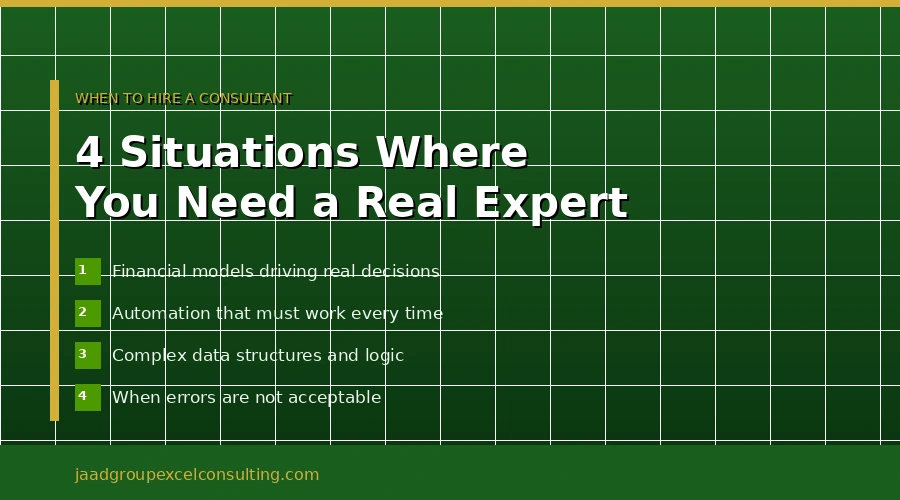
Financial models that drive real decisions. If a board, a bank, or an investor is going to look at your numbers, those numbers need to be right. AI tools that Microsoft itself says should not be used for financial reporting are not the right foundation for that work.
Automation that has to work every time. If a VBA macro is going to run your monthly reporting process, it needs to run correctly without supervision. A consultant builds it, tests it, and hands it over knowing it works. AI generates a starting point that requires ongoing supervision and debugging.
Complex data structures. Multiple sheets, linked workbooks, database connections, business-specific logic that does not fit a standard pattern. This is where AI consistently falls short and where experienced judgment makes the biggest difference.
When your time is worth more than the cost. For business owners and executives, the time spent learning to prompt AI correctly, verify its outputs, and fix its mistakes often costs more than just bringing in someone who gets it right the first time.
Can You Use Both
Honestly, yes. And this is probably the most practical answer for a lot of businesses.
AI tools are useful for routine tasks, quick formula checks, and exploration. A consultant is the right choice when you need something built properly, when the stakes are high, or when your current setup is fragile and causing problems.
I use AI tools myself as part of my workflow. They are useful for certain things. But they are not a replacement for the kind of work that requires understanding a business, making judgment calls, and being accountable for the result.
Jeff’s Honest Take
I have been doing this for 25 years. I have seen every wave of technology that was supposed to replace the need for experienced Excel work. None of them did. What they did was change where the work happens and what the work looks like.
AI is genuinely useful. It is also genuinely limited. And the limitations matter most exactly when the stakes are highest.
If you have a simple, well-defined task and you are comfortable checking the output, try AI first. If you are building something that your business is going to depend on, that has to be accurate, that has to work reliably, and that needs to connect to how your specific business operates, that is what I do.
A free consultation costs you nothing and gives you a straight answer on which path actually makes sense for your situation.
Call JAAD Group: 949-464-7489 Visit: jaadgroupexcelconsulting.com