
EXCEL WORKFLOW DESIGN
Turn Messy Workflows into Smooth, Reliable Excel Systems
Your work moves through too many hands, files, and spreadsheets. We map how it actually flows, remove the manual steps, and rebuild it as a clean Excel system your team can follow every day.
What Is Workflow Design?
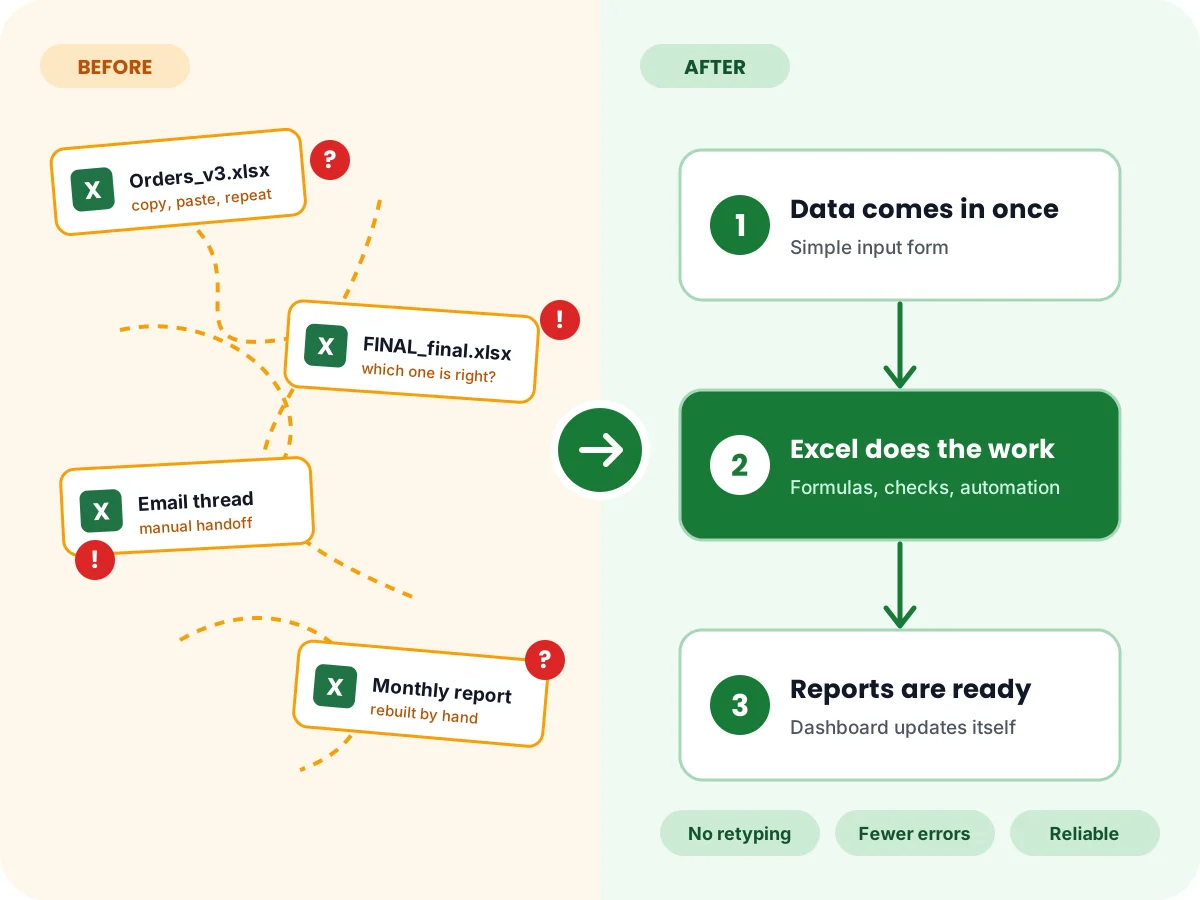
Workflow design is the work of drawing out how a job gets done, step by step, and then rebuilding it so it runs with less effort and fewer errors.
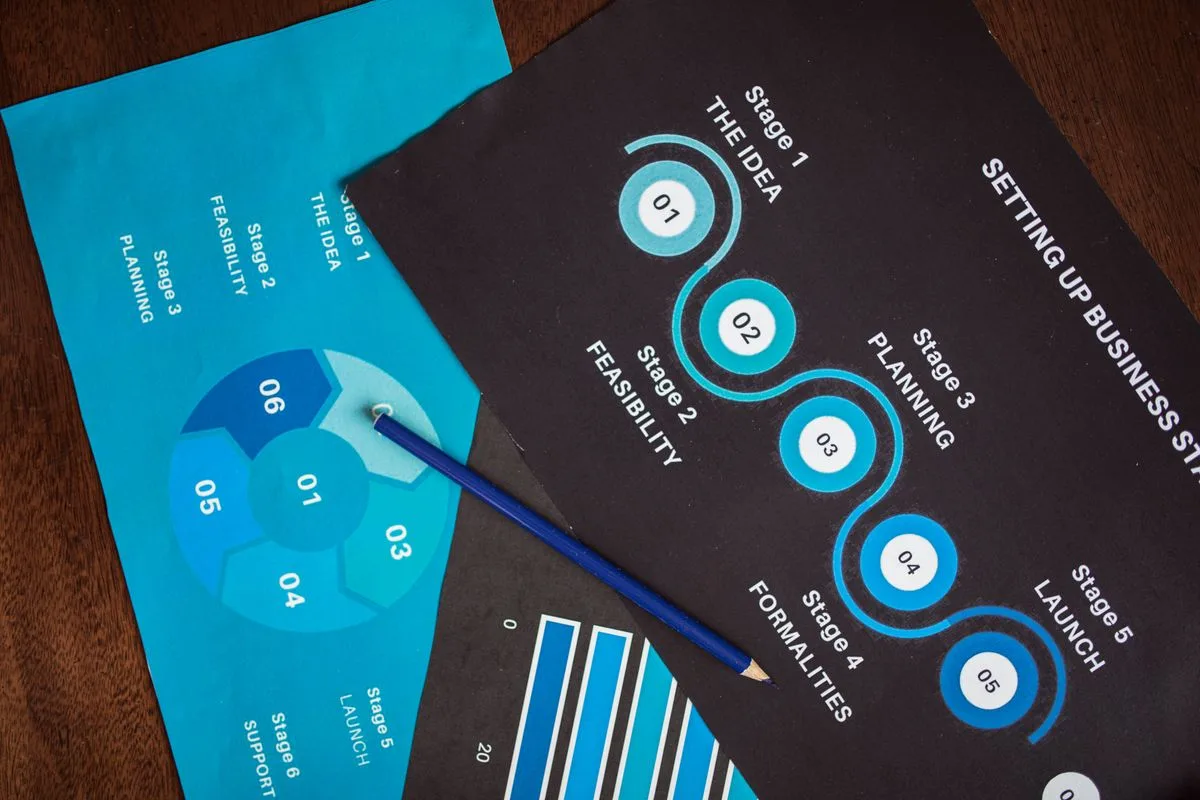
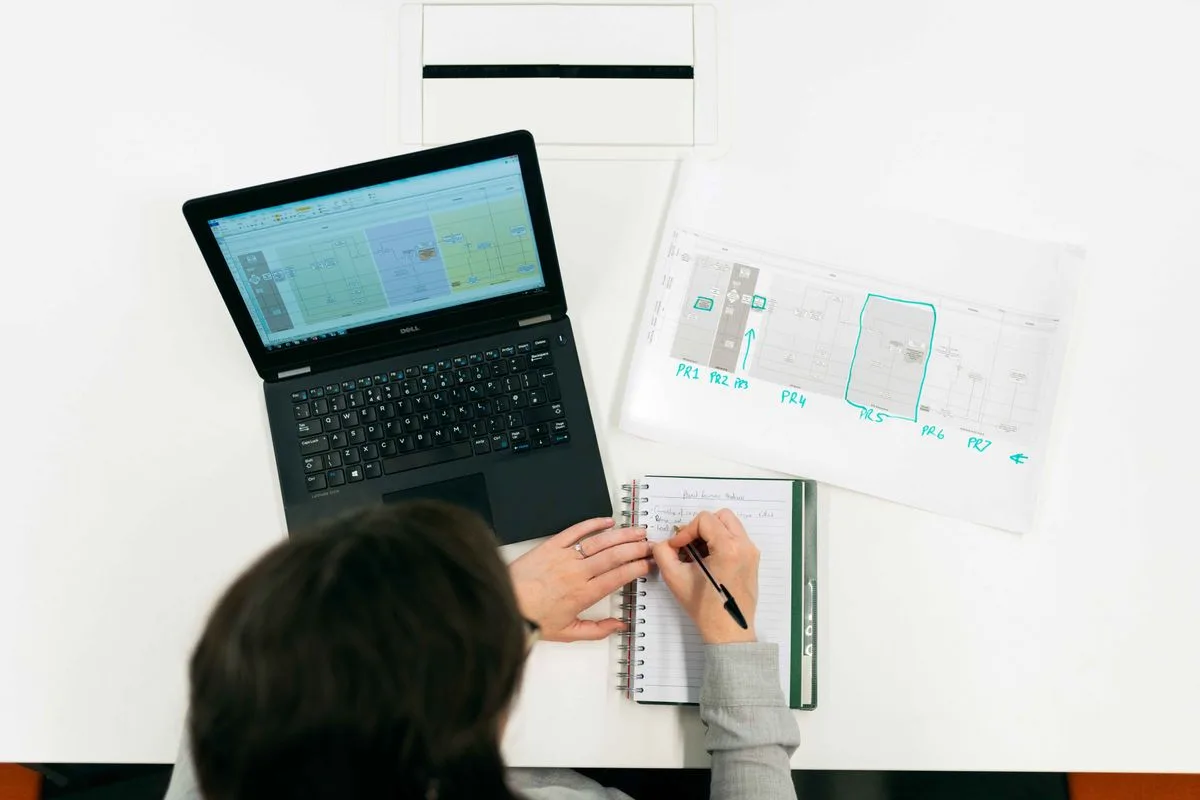
Most businesses never designed their workflows. They grew one spreadsheet at a time, and now nobody can see the whole process. We start by mapping what happens today, including the handoffs, the waiting, and the rework. Then we design the improved workflow in Excel and build the tools that run it.
A redesigned workflow is not a diagram on a wall. It is working Excel files, clear ownership, and reporting that shows whether the work is on track. That is why this service sits next to our Excel reporting work: the workflow moves the work, and the reporting proves it moved.
Before
- Five separate spreadsheets
- Handoffs between people
- Waiting and rework
- Copy and paste, retyped data
- Nobody sees the whole process
After
- Map the current workflow
- Design the new workflow
- Build and test it
- Train your team
What We Offer in Excel Workflow Design Services
Every workflow is redesigned for the way your business actually runs. We start with your process and your people, then build the Excel system around them. Our Excel automation skills remove the copy and paste, so the new workflow stays fast without extra effort from your team.
Process Mapping
A clear map of how work flows today: inputs, outputs, handoffs, and decision points. Bottlenecks show up before they cost you time.
Workflow Redesign
The same work, rebuilt with fewer steps, clear ownership, and no duplicate entry. Every step earns its place.
Automating Manual Steps
Copy and paste, retyping, and chasing files are replaced with formulas, Power Query, and simple automation that runs every day.
Data Flow and Handoffs
Data moves cleanly from one step to the next, with checks that catch errors early instead of at month end.
Reporting Workflows
The reports your workflow should produce are built into it, so status, totals, and exceptions are always ready to share.
Workflow Repair
Already have a workflow that broke, slowed down, or stopped matching your reports? We fix the files, the formulas, and the flow.
Examples of Workflows We Can Redesign
Quoting and Invoicing Workflows
Quotes, approvals, invoices, and follow-ups in one flow, so nothing waits in an inbox and nothing gets billed twice.
Order and Inventory Workflows
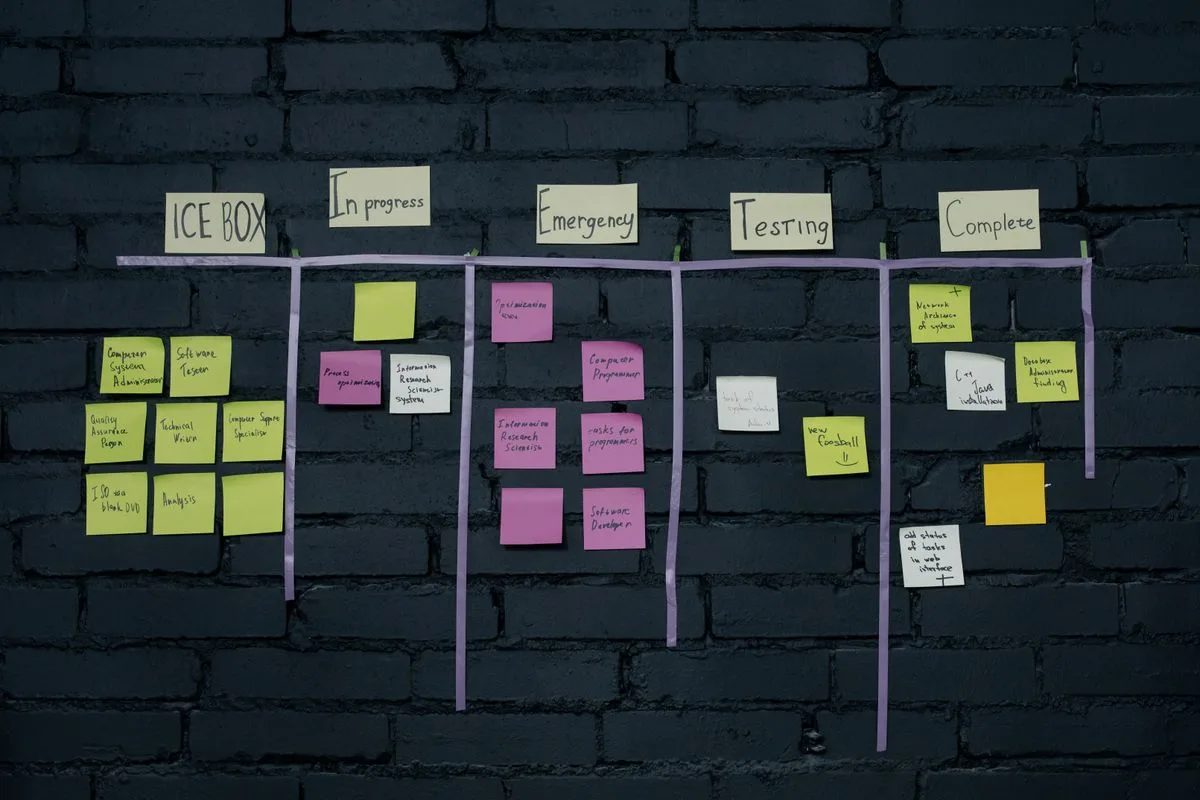
Orders, stock, and deliveries tracked in one system, so your team sees what is available, what is late, and what to order next.
Reporting Workflows
Daily and weekly reports that build themselves from your workflow data, with live Excel dashboards on top.
Industries We Help with Workflow Design
Any business that runs on repeatable work benefits from a designed workflow. These are the industries we help most often.
Finance and Accounting

Retail and E-commerce

Healthcare and Insurance
Manufacturing and Logistics

Real Estate and Construction

Nonprofits
If your industry is not listed, ask. If it runs on spreadsheets, we can design a workflow for it.
Why Workflow Design Matters for Your Business
No waiting
A designed workflow removes the waiting and the rework, so the same team gets more done with less stress.
No retyping
Data is entered once and flows through the workflow. Nothing gets retyped.
No new software
Because it is Excel, your team already knows how to use it. No new software to learn, no monthly fee for another tool.
Meet Your Consultant

Your workflow is designed by Jeff Mattus, founder of JAAD Group Excel Consulting, with over 25 years of experience in Excel, financial modeling, and automation. Jeff works directly with every client, from the first call to the finished system.
Why Choose JAAD Group Excel Consulting
At JAAD Group Excel Consulting, we build systems your team will actually follow every day. No bloated files, no fragile formulas, and no workflow that only its builder understands.
Mapped before it is built.
We draw the current process first, so the redesign fixes real bottlenecks instead of guessing at them.
Made for daily use.
Simple steps, clear ownership, and one-click refresh. If your team needs training, we show them how it works.
Fixed price, quoted upfront.
You know the cost before work starts, and the first call is free.
Support after delivery.
If your process changes or your team grows, we adjust the workflow with you.
Our Step-by-Step Process
Map the current workflow.
A free first call to learn how work flows today, where it waits, and where errors creep in.
Find the bottlenecks.
Together we pick the delays, duplicate steps, and manual work that cost the most time.
Design the new workflow.
We draw the improved process, agree the steps and owners with you, and plan the Excel files that will run it.
Build and test it.
We build the files and automation, then run them with your real work. We fix anything unclear until the workflow runs smoothly.
Train your team.
A short walkthrough so your team can follow the new steps, refresh the data, and keep the workflow current.
Rated 5-Star by Our Clients
JAAD Group Excel Consulting holds a 5.0 rating on Google, based on 9 reviews.
“JAAD far exceeded my expectations! Jeff is an expert in Excel Automation and Excel Programming.”
Ashley Merz, September 2025, Chamber of Commerce
Workflow Design, Common Questions
What is workflow design?
Workflow design is drawing out how a job gets done, step by step, and rebuilding it so it runs with less effort and fewer errors. The result is a clear process with clear owners, built into working Excel files.
How do you start a workflow project?
With a free first call. We learn how your work flows today, where it waits, and where errors happen. Then we map the current process before changing anything.
Will my team need new software?
No. The redesigned workflow runs in Excel, which your team already knows. There is no new software to learn and no monthly fee for another tool.
Can you fix a workflow that already exists?
Yes. If your workflow broke, slowed down, or stopped matching your reports, we fix the files, clean the connections, and make it reliable again.
How long does a workflow redesign take?
It depends on how many steps and systems the workflow touches. A simple workflow can be redesigned in days. A larger one takes longer. You get a fixed timeline before work starts.
How much does workflow design cost?
Every workflow is quoted as a fixed price after a free first call. A quote is given after looking at your process and what you need, not before. The first call costs nothing.
Let’s Design Your Workflow
Tell us which part of your work feels slow or messy. We will show you what a redesigned workflow can look like and quote a fixed price. The first call is free.